Note to HSE and/or Training Directors:

Lesson content duration will display 00:00 while videos will display the video length. Slide timing has been set to a minimum to allow for navigation ease. We understand individuals have different learning speeds. What may take one student 30min to complete may take another 2 hours to complete. The amount of time a student spends completing the lesson(s) is recorded. The rubric for lesson completion is set to ‘all slides viewed’. This is the metric recorded in the LRS for executable functions. While we don’t collect and populate reports on every metric, we have the ability to.  Feel free to contact us with any questions.

Registration Instructions

Initial LMS Student Registration

  1. Enter your credentials. Be sure to use your legal name if required. Some of our courses will meet State and/or other legal requirements. Use a good email address. (Email verification is required) Double check your email is correct, Then click Register.
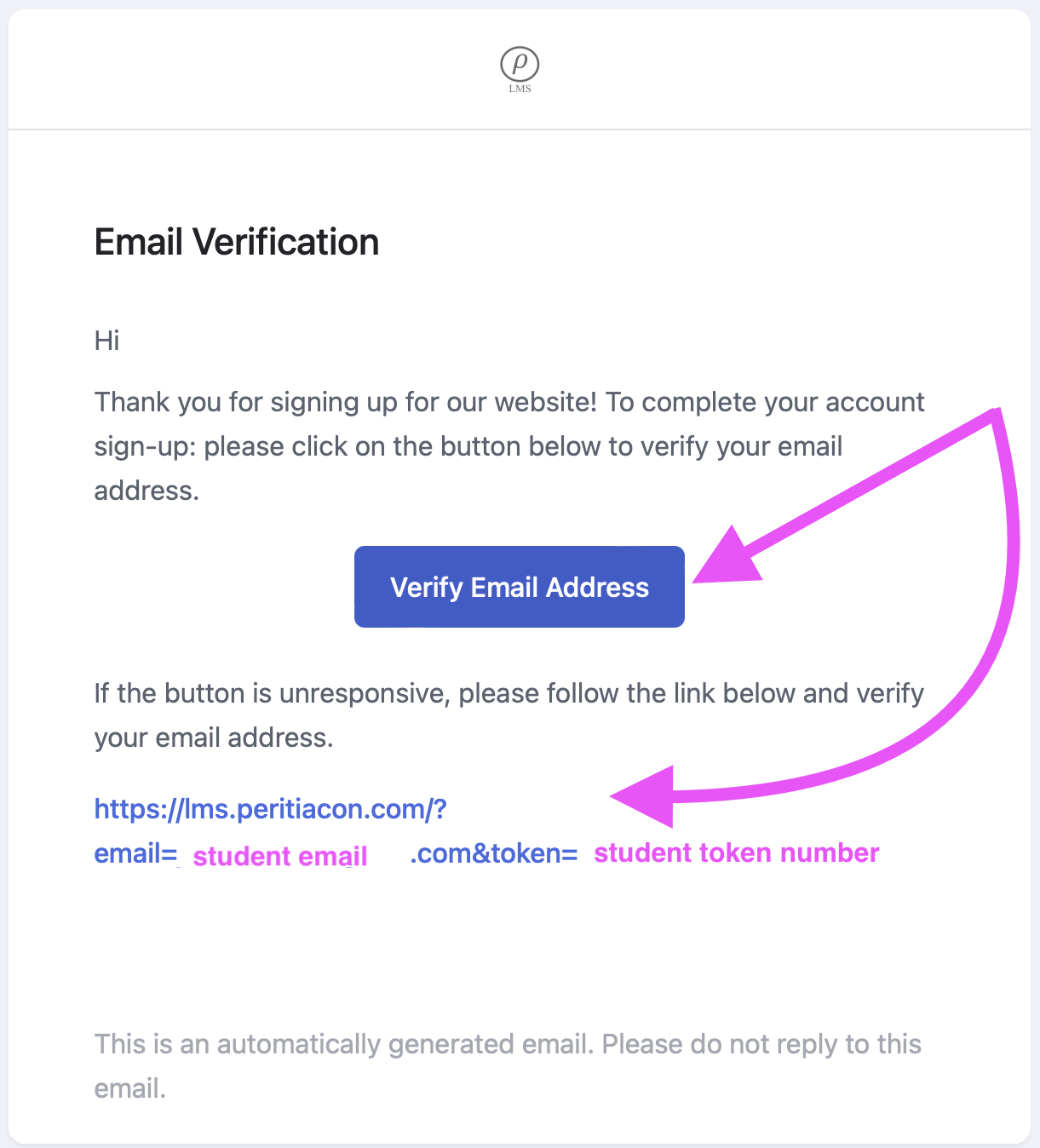
  2. Verify your email address, being sure to check spam and junk folders for the verification email, by clicking the Verify Email Address link, which will auto log you in. 
  3. Students will then be logged into their dashboard. From there, the student can continue to setup their profile and adjust their learning environment.
  4. Click on Available Courses. This redirects to our home page, where our courses can be found.
  5. Add to CartCheckoutEnroll Start Learning
  6. Payments via Credit Cards – You must fill out the form with your name, address,…etc. Then the option to pay by credit/debit card will appear. Until then you may only see Paypal, Apple Pay, or Google Pay. 
  7. Returning students, just log in and you’ll be in your dashboard. Continue your training, review, or get certification copies.

After Registration

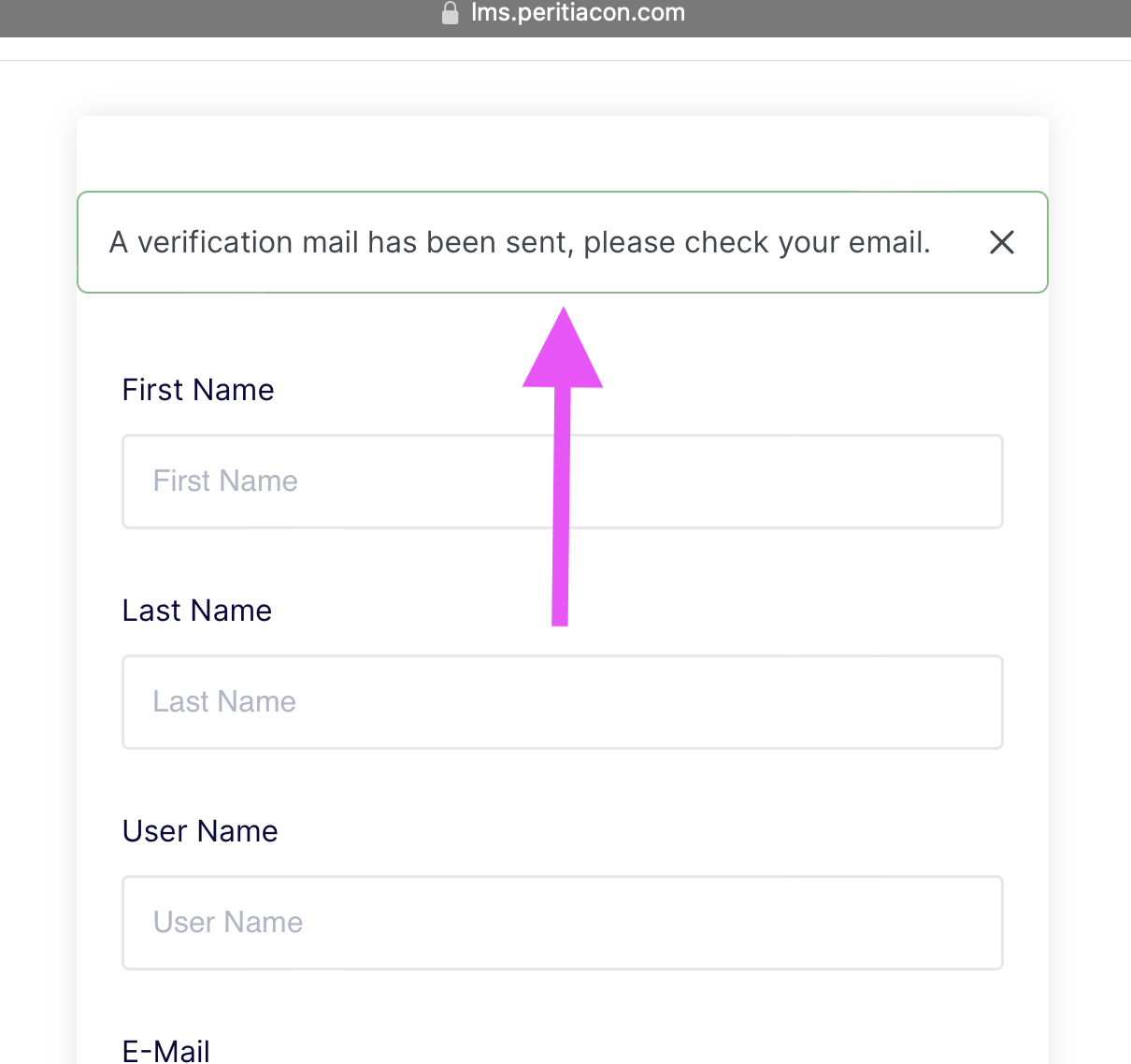
The registration fields (name, username, email) will clear and the student should see a message stating a verification email has been sent.
Verification

Click on the button or the link provided. Doing so will automatically log the student in to their dashboard.
Registration Error

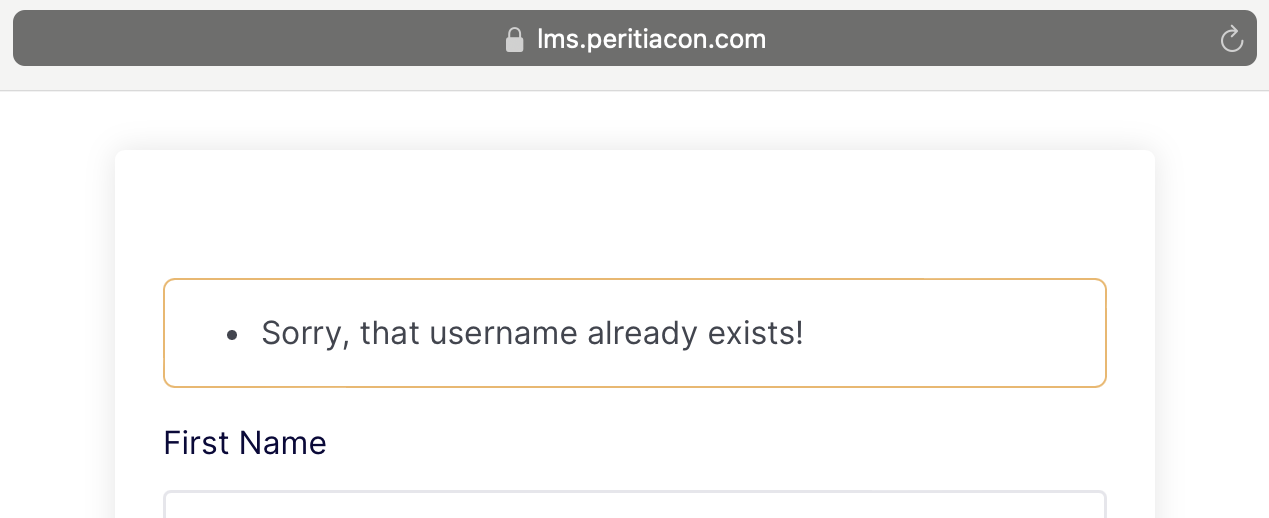
The username already exists. Log in with the provided credentials. If the student has forgot their password follow the forgot password link in the login form.
Forgot Password

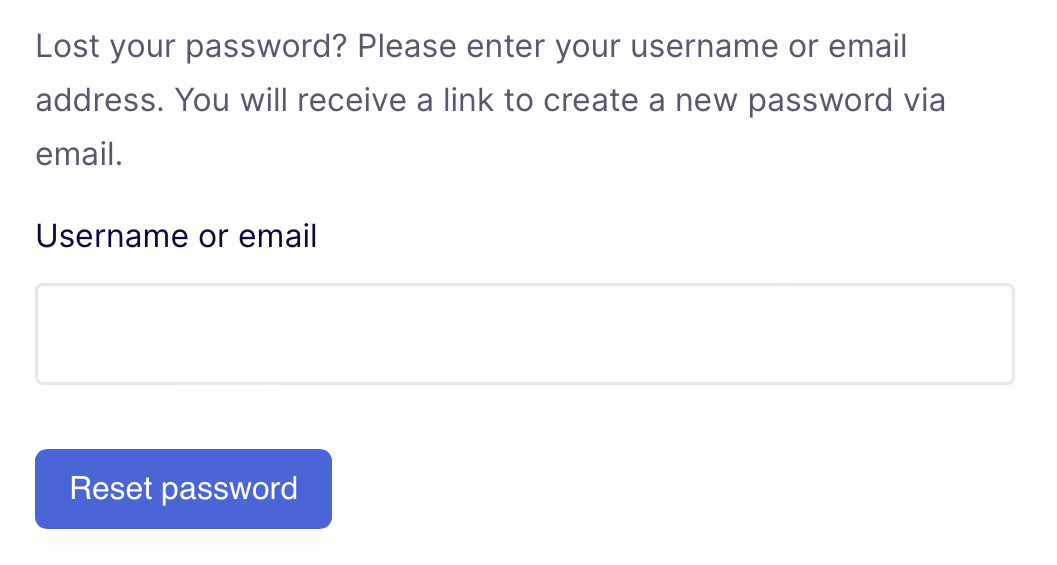
The username already exists. Log in with the provided credentials. If the student has forgot their password follow the forgot password link in the login form.
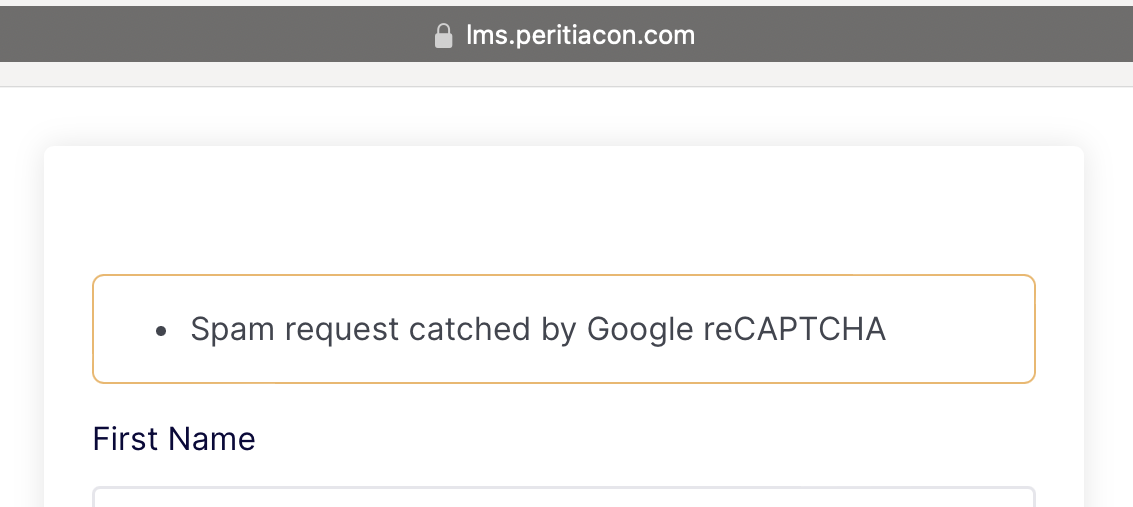
Registration Error

Spam request caught. This is due to the registration being successful, but the verification email was sent to the students spam or junk folder. The other reason, and most often seen, is the student has already created an account using the provided information.

Corrections

Recover the verification email sent. Reset password. If you have not enrolled in a course, then make a new account, being sure to use a different username. If you are enrolled in a course, feel free to contact us.

Course Info

  1. Ensure the student reviews the course requirements by clicking on the course title and reviewing the course information.
  2. Verify your computer/laptop/device operating system is up to date. Courses can be viewed from Mac OS or Windows OS.
  3. Visit the FAQ’s before and as needed after registration.